 नोटिफाई नेपाल
Loading...
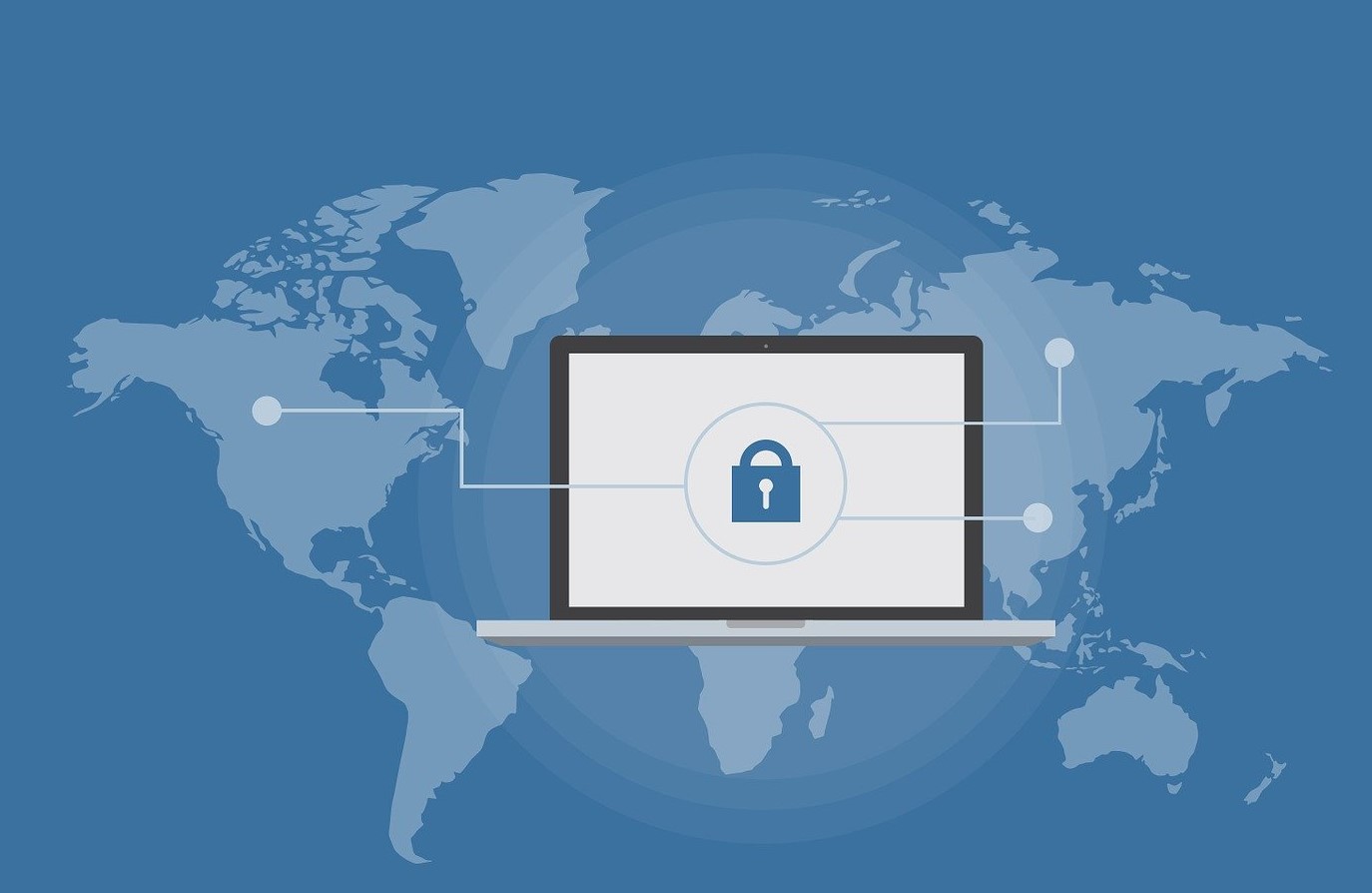
With the rise of digital media, internet safety and privacy have been a topic of concern for everyone. According to the global scenario, the leaking of data and increasing cybercrimes have been widespread. In the context of Nepal as well, cyberattack cases are increasing daily.
With numerous reports concerning cybersecurity, it is hard to assume that social media usage is safe, secure and private. One cannot control all the things that will happen to you, but you can take some basic measures to make your online presence secure. So, in this article, we have some tips that you can use to ensure social media and internet safety.
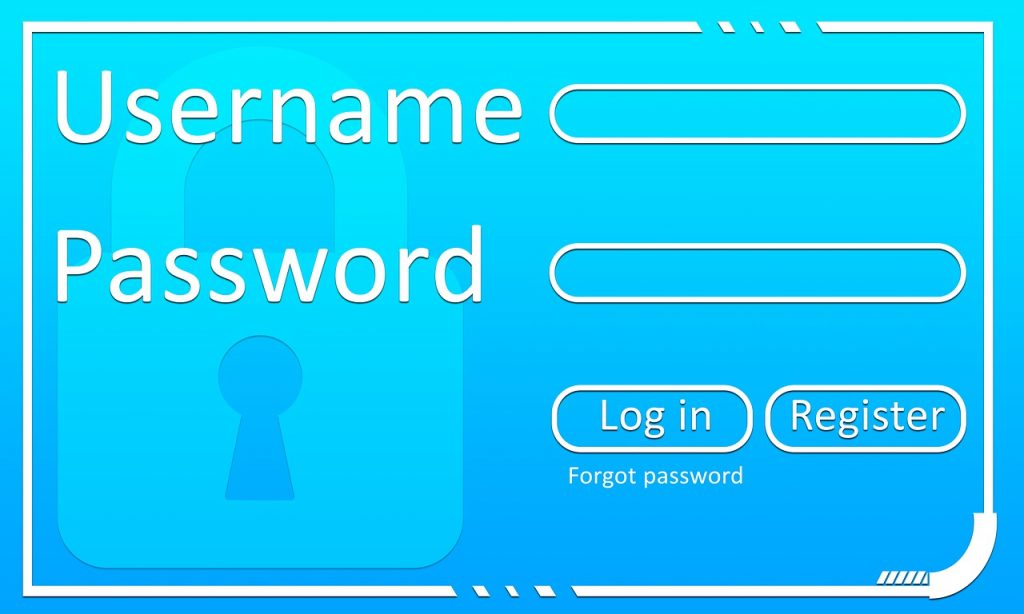
Using poor credentials risks your internet safety and makes it easy for hackers. Hackers have high-performance computers and advanced tools which help them get into your computer or any device in under an hour. They have various ways to get into your systems, like phishing, DOS (denial of service) attacks, dictionary attacks, fake WAPs (wireless access points), and many more. And, if your password is easily predictable, they get access to the applications in seconds.
In summary, a strong password:
This does not mean you should make one password super strong and have the same one for all your social media accounts. Repeated passwords in multiple platforms can be risky. So, have strong passwords, many strong passwords. It can also be problematic to remember all the strong passwords all by yourself. In that case, you can also use encrypted vaults to save your passwords. But make sure you are using only the certified ones.
Do not click everything that is on your screen. With one click, you will give the entire system access to the hackers. Also, there are various websites made to disturb your privacy on the web. Some of the websites are so refined with a similar interface to some renowned websites, which can confuse anyone, even professionals. But they may ask you to enter your username and password to go further. When you do it, your login credentials will directly be in the hands of the hackers. This form of taking your credentials is called phishing, and the website is called a phishing website.
So, be cautious when someone random or someone you know shares any kind of links with you from now on. Many people are becoming victims of cyberbullying as a result. For prevention and to ensure your internet safety, be selective with the friends’ requests you receive on your social media. Clicking malicious links is the direct way others hack into your social media accounts or your device as a whole. So, do not click on any malicious links you get in front of you.

Something people often just tick the “I accept the terms and conditions, and I have read the privacy policy” or something similar without even reading the terms and conditions. One directly scrolls down to the bottom of the page and clicks the ‘I AGREE’ button. But this habit has been proven to be detrimental. It concerns your privacy and your security on the website/application. So, you need to read it. Next time, make sure you have read and are aware of the terms, conditions and privacy policies before signing up for anything on the internet.

The social media applications also allow you to customise your default privacy settings. Things like who can see your photos, who can access your contact details and who can send you messages can be changed as per your requirement. You can get this option inside the privacy or security section of your social media application settings.
Use your fingerprints to get access to your device. Face unlocks are good but not as secure as fingerprint locks. One of the important privacy settings to enable is two-factor authentication. It is a setting that requires you to use it. Besides, you can also use an app lock or other password protection for your social media individually and your phone. With this, no random individual can get into your phone or device and do anything without your consent.

Making transactions has been way easier with the help of digital payment methods, whether it is utility bill payment, internet bills, TV bills, school fees or broker payment for collateral deposit, fund transfer to friends/family, mobile top-up, etc. Payments for the various applications have been way easier with digital wallets like Global IME Pay, eSewa, Khalti, ConnectIPS, etc and mobile banking applications like EBL Touch 24 (Everest Bank Pvt Ltd), NIC Asia Mobank (NIC Asia Bank Pvt Ltd), etc. But you need to be extra cautious with these digital transaction applications.
The most crucial thing for your internet safety is to NEVER share your 4-digit pin of those applications (or 6-digit pin like in the case of ConnectIPS) with anyone. And, like any other application, use a lengthy, strong and unique cloud password. Choose your own phone number and email as the authorisation, not others’.
Similarly, log in to only one of your devices and enable two-factor authentication from security settings. Keep your mobile phone and message display private so that the OTP code you receive on your mobile phone and email is secure. Many of these applications already have secure settings by default. But still, check out all the settings inside the application. Also, do not forget to read the privacy policies.

Ensure all your applications are updated regularly for your internet safety. When a company/owner of an application like social media, software, etc gives an update, they do not only add interesting features to the program or upgrade their interface and design. Along with interesting features, companies fix their applications’ drawbacks, bugs, and other security issues through their updates.
So, keep all your applications, browser, operating system, and software updated. And, most importantly, update your antivirus software. In the first place, you should install and use anti-virus software if you do not have any. It can be beneficial for protecting against malicious attacks and safe social media and other online digital media usage.
Another thing that is very popular in the country is using APK files to get premium features of the software for completely free. The software may give you features that may cost you more for free but may also add malicious software to your device that can harm your internet safety, including the system and your privacy. Do not use third-party software and do not install software from third-party sources. The disadvantage of using third-party software is that you do not get updates, and your device will be at risk of getting infected and badly affected.

Self-awareness is the most essential aspect when it comes to your online privacy and internet safety. The number of cyberattacks is increasing, and new cases are reported every day. There are also authorities in Nepal like the Nepal Police Cyber Bureau, the International Telecommunication Union (ITU) and the Nepal Telecommunications Authority that are working for it and have even succeeded in many cases. But, since the saying ‘prevention is better than cure’ is never wrong, you should be self-aware on your own. Watch out for the language your friends on social media use for sharing/posting content or asking you for a request.
Do not share your personal information with anyone; it cannot be stressed enough. It can be your home address, financial information, contact number, or anything personal relating to you. So, stay lowkey on social media. This does not mean that you are completely off social media, but do not be too revealing about yourself. Also, when someone recommends installing an application or following a link, be extra cautious. Likewise, make sure your device is not public property and only accessed by you. Stand by and watch when you give someone else your device to use, even for seconds.
Originally published in 2022.
The post 7 most-effective social media and internet safety tips in Nepal’s context appeared first on OnlineKhabar English News.




 AED
AED AUD
AUD BHD
BHD CAD
CAD CHF
CHF CNY
CNY DKK
DKK EUR
EUR GBP
GBP HKD
HKD INR
INR JPY
JPY KRW
KRW KWD
KWD MYR
MYR OMR
OMR QAR
QAR SAR
SAR SEK
SEK SGD
SGD THB
THB USD
USD





-1698832414.jpg)